Completing Activities
When a Patient Follow Up or a Doctor Follow Up can be scheduled from a Clinical History Note or manually created. The Activity must be completed once the follow-up has been conducted.
To complete an activity:
- From the Workbench, select the Activities dashboard tile.
- Highlight the activity.
- Select Complete.

The Clinical Notes window appears.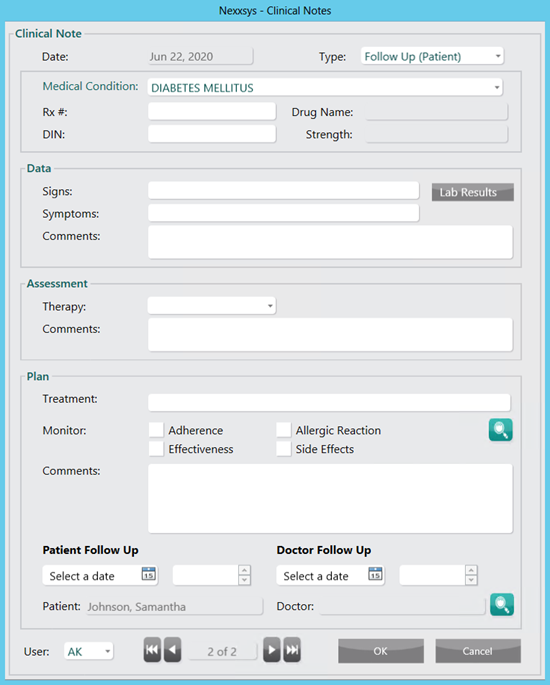
- Enter any additional information, if required.
- Select OK. The Status column in the Activities window updates to Complete and the Completed column updates with the date and time the activity was completed. The completed activity can be viewed from the patient’s Clinical History tab.
